Acorns Early Kids Debit Card Review
What this covers
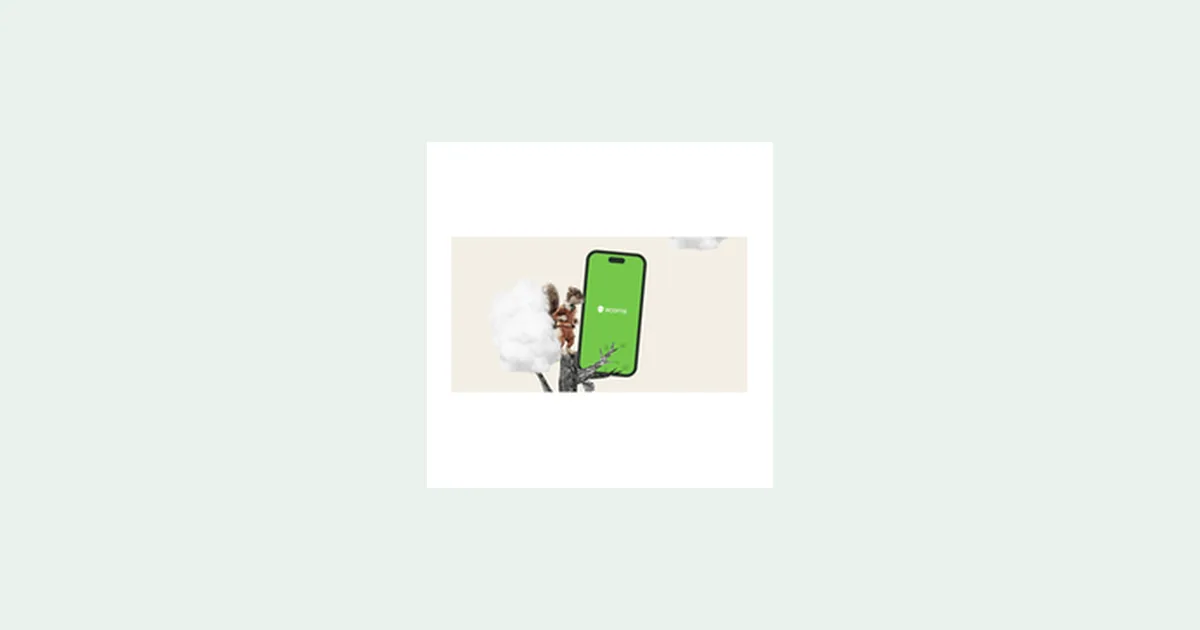
Acorns Early (formerly GoHenry) is a debit card and mobile app designed for children ages 6-18 to learn earning, saving, budgeting, and smart spending. Parents set it up and control the account, making it a straightforward tool for teaching money habits from a young age.
Yes, it's legitimate. Acorns is a real fintech company offering youth financial products in the US. What you get: a working debit card for your child, an app where they can track spending and savings goals, and parental controls so you can manage allowance, chores, and spending limits.
What Acorns Early offers: A debit card and app for kids and teens that lets them spend, save, and earn money under parental supervision. You control allowances, chores that earn money, and spending limits. The app shows real-time balance updates and transaction history so your child can see where their money goes.
Age range: Available for children ages 6-18. Parents open and manage the account; kids use the card and app to practice money management in a protected environment.
How to Set Up Acorns Early
- 1Download the Acorns app on your phone and sign up as a parent with your email and password.
- 2Complete identity verification and link a valid payment method to fund your child's account.
- 3Create a profile for your child, set their age, and customize spending limits and approved merchants.
- 4Order the physical debit card, which typically arrives within 7-10 business days.
- 5Start using the app to set up chores, allowance schedules, and savings goals; your child receives the card and begins spending and saving.
Is Acorns Early Legit?
Yes. Acorns Early is operated by Acorns, a registered financial technology company in the United States. The debit card is issued through a real financial institution, and the service has been available to US families for years under its previous name, GoHenry. Parent reviews and financial publications regularly cover it as a standard youth financial product.
Before signing up, confirm the current pricing structure on Acorns' official website, as subscription costs may vary by plan tier. Check the terms for card replacement fees, international spending rules, and ATM access. Verify that the card is accepted at merchants you use regularly. Review parental control features directly in the app to ensure they match your family's needs.
Pros and cons
What we like
- Teaches real money skills: kids see actual transactions and balances, not just theory.
- Parental control is complete: you set spending limits, approve merchants, and control allowance and chore payouts.
- Physical debit card works at stores and online, giving kids real-world practice.
- No risk of overspending: the card only spends what's loaded, so your child cannot go into debt.
What to watch
- Monthly or annual subscription fee applies; check Acorns' current pricing to know the exact cost for your family.
- Card acceptance may be limited at some merchants or international locations compared to major brands.
- Requires active parental involvement to set up chores, allowance, and monitor spending; it's not a set-it-and-forget-it tool.
Who Acorns Early Is For
Acorns Early works best for parents aged 35-55 with children ages 6-18 who want to teach financial responsibility in a hands-on way. It's ideal if your household income is stable and you have time to actively manage your child's allowance, chores, and spending limits. You're a good fit if you're already interested in family finance, follow parenting advice online, and believe kids should learn money skills early.
It may not be the right choice if you're looking for a passive account with no parent involvement, or if you want a card for teenagers with minimal oversight. It also requires you to use the Acorns app regularly to manage settings and monitor activity.
Fine print
Acorns Early is a sponsored product review. Acorns may send marketing emails to new users. There is no expiration date on account eligibility. The service is available only to US residents. You must activate a parent account to use Acorns Early; minor accounts cannot be opened independently.
Common questions
Can I open an Acorns account for my child?
Yes. You open and manage a parent account first, then create a child profile within Acorns Early. Your child ages 6-18 can then use the debit card and app. You remain the account owner and control all settings, spending limits, and allowances.
What is Acorns Early used for?
Acorns Early is a debit card and budgeting app that teaches kids how to earn money (through chores you assign), save it, and spend responsibly. Parents set limits and rules; children use the card and app to learn real money skills.
Does Acorns Early have a debit card?
Yes. When you set up Acorns Early, you can order a physical debit card for your child. The card is linked to the account you fund, and your child can use it at stores and online within the limits you set.
How much does Acorns Early cost?
Acorns Early charges a subscription fee; the exact amount varies by plan. Visit Acorns' official website or the app to see current pricing tiers. There is no hidden cost beyond the subscription, but check for any additional fees for card replacement or international use.
Is Acorns Early safe for kids?
Yes, within the parental controls you set. Your child cannot spend more than the balance you load, there's no credit or overdraft, and you can block specific merchants or set daily spending caps. Review the app's security features and parental controls to ensure they match your comfort level.